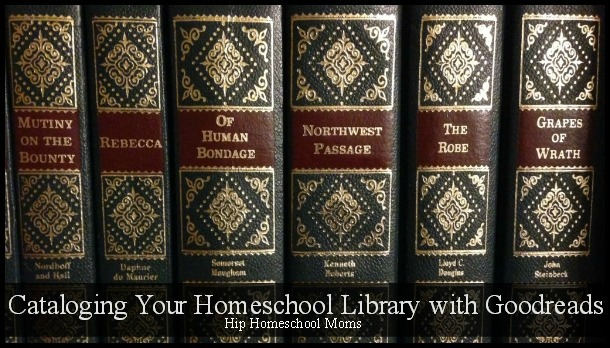
As a homeschooler one of the greatest challenges you’ll face doesn’t have anything to do with what curriculum you’ll choose or what homeschooling style you’ll follow. In fact, it’s a problem you’ll have for many years: how to catalog all of those books you buy for homeschooling. One way of keeping track of all those books is by cataloging your homeschool library with Goodreads. Below, I’ll tell you how to do that.
Granted, there are those who rent their textbooks and return them at the end of the year or use a lot of electronic curriculum, but even if you only have a few hundred books in your house, knowing where they are and which ones you have can cause some frustration. We have over 6,000 books in our house, and tracking them down can be a real pain in the neck!
Fortunately, there are a few technological solutions that can help you catalog and organize your books using your smartphone or just a simple Internet connection. Over the next three months, I’ll review some of the options you can use to manage your home library.
This month I’ll be reviewing Goodreads–which not only allows you to catalog your books but also rate and share them via social media.
To start, you’ll need to create a free account. If you already have a Facebook, Twitter, Google+, or Amazon account, you can login using any of those accounts. Otherwise, you can go about the account creation process manually. It doesn’t take long, and soon you’ll be ready to start adding books to your collection.
The easiest way to start adding books to your account is to download the app to your smartphone or tablet and start scanning bar codes. After scanning them you can add them to bookshelves. The default bookshelves are “read,” “to-read,” and “currently reading,” but you can create your own. For example, “school room” or “front hall.” I prefer to add them all en masse and go back over time and sort them. Breaking such a huge task up into smaller tasks is very helpful.
If your library is anything like mine, some books don’t have bar codes and others do but are so old they’re not compatible with current standards. Those you’ll need to add manually. I usually just look up the book’s title and choose the most current edition. Granted, there may have been some changes to the book, but at least you have a representation of it in your online catalog.
Finally, if you have a spreadsheet or text files that you’ve been using to keep track of your books, you can upload it to Goodreads via the website and it will take all of your books and add them to your collection. This is the quickest way to add books if you’ve been using Excel or some other electronic tool to track your books.
You can add an unlimited number of books to your catalog, and reading some of the reviews that people post on Goodreads is very helpful. The only downside I see to using Goodreads is that Amazon knows what books you’re adding to your catalog and may use that information to target ads at you when you’re shopping online.
Next month I’ll take a look at LibraryThing, which has a bit of a different spin on cataloging your home library.
John Wilkerson has been married to Lisa for 15 years and they have 7 children. All of them are homeschooled and keep them busy but very happy. When he’s not solving technical problems at a local private college during the day or podcasting and blogging at night, John likes to pursue his other current “hobbies” which include social media, martial arts, and coaching soccer. If you’d like to connect with John online visit the contact page at his website, The Wired Homeschool.
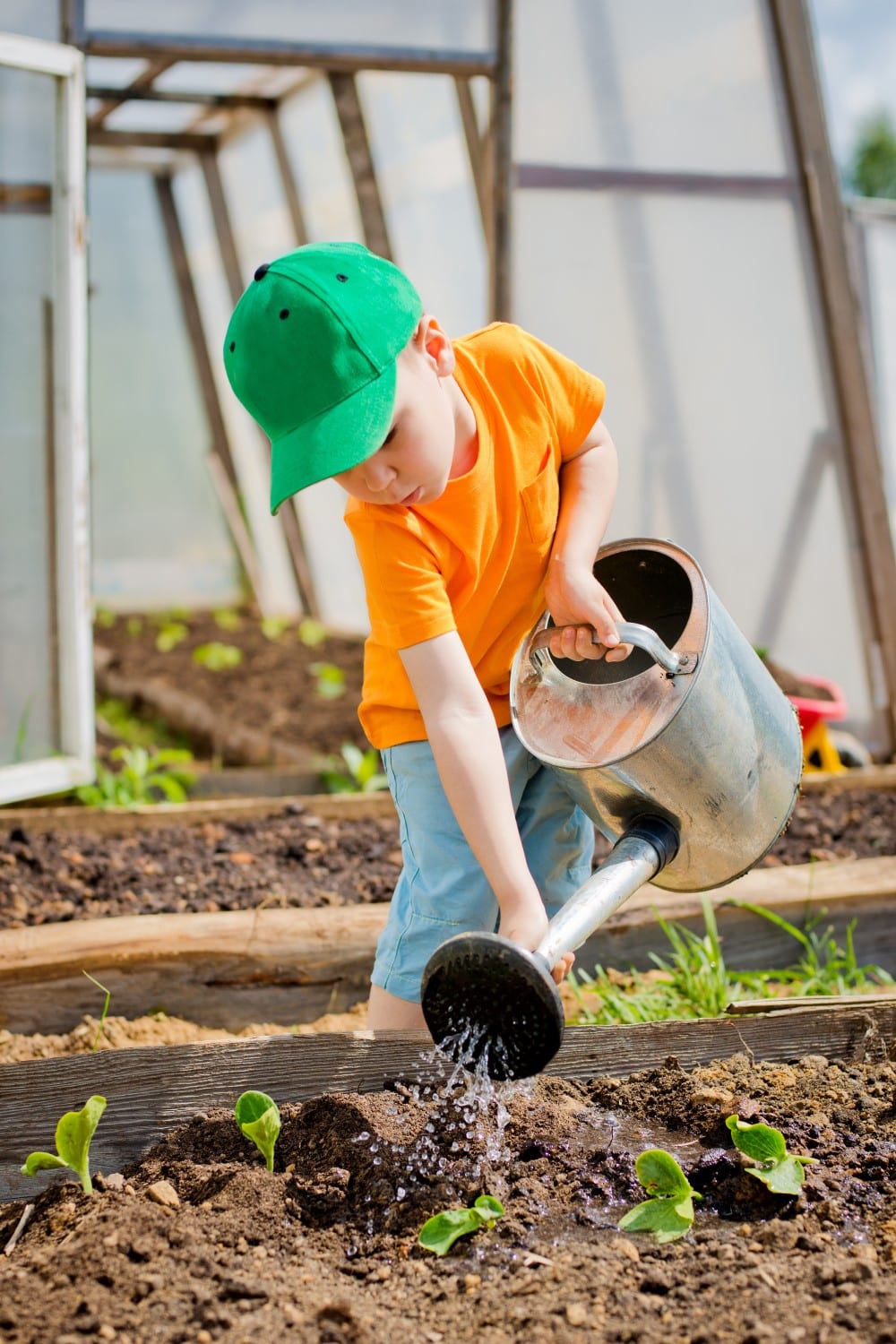
I love gardening. It can be such a fulfilling way to connect with the natural world. (Plus, with the cost of groceries these days, many of us are becoming more interested in growing our own food!) But the garden can provide more than just food for homeschooling families. It can also provide a great way…
It was about three years ago that I found Lisa Leake and her 100 Days of Real Food blog. I didn’t know it at the time, but our eating habits, pantry contents, food budget, and health were about to change. I was about to learn how to eat clean. We took part in her 10 day challenge,…
Last week I shared a recipe for a foundational crockpot chicken recipe that can be used for other quick future meals or dishes. Today I’ll share with you a recipe for a simple chicken salad that has sweet caramelized onions and toasted walnuts.
There is just something about a warm, doughy, soft pretzel that I just can’t resist! Truth be told, there aren’t many pretzel varieties that I don’t like snacking on, but soft sourdough pretzels are definitely a weakness. A weakness that my children inherited as well. We can hardly pass up the opportunity to snack on…
The classic tender beef in a tangy and creamy sauce of beef stroganoff, with the simplicity of making it in the crockpot. With the recent Olympics that took place in Sochi, I got to thinking about dishes that were traditionally Russian in origin and thought it would be nice to make beef stroganoff, which I…
One Comment
Congratulations to this blog for winning The Best Group Blog award!





Congratulations to this blog for winning The Best Group Blog award!